
PDF vs Word DOCX format comparison. Learn when to use PDF vs Word for business invoices, resumes, legal contracts, and corporate proposals.
PDF vs Microsoft Word — Understanding the Core Differences
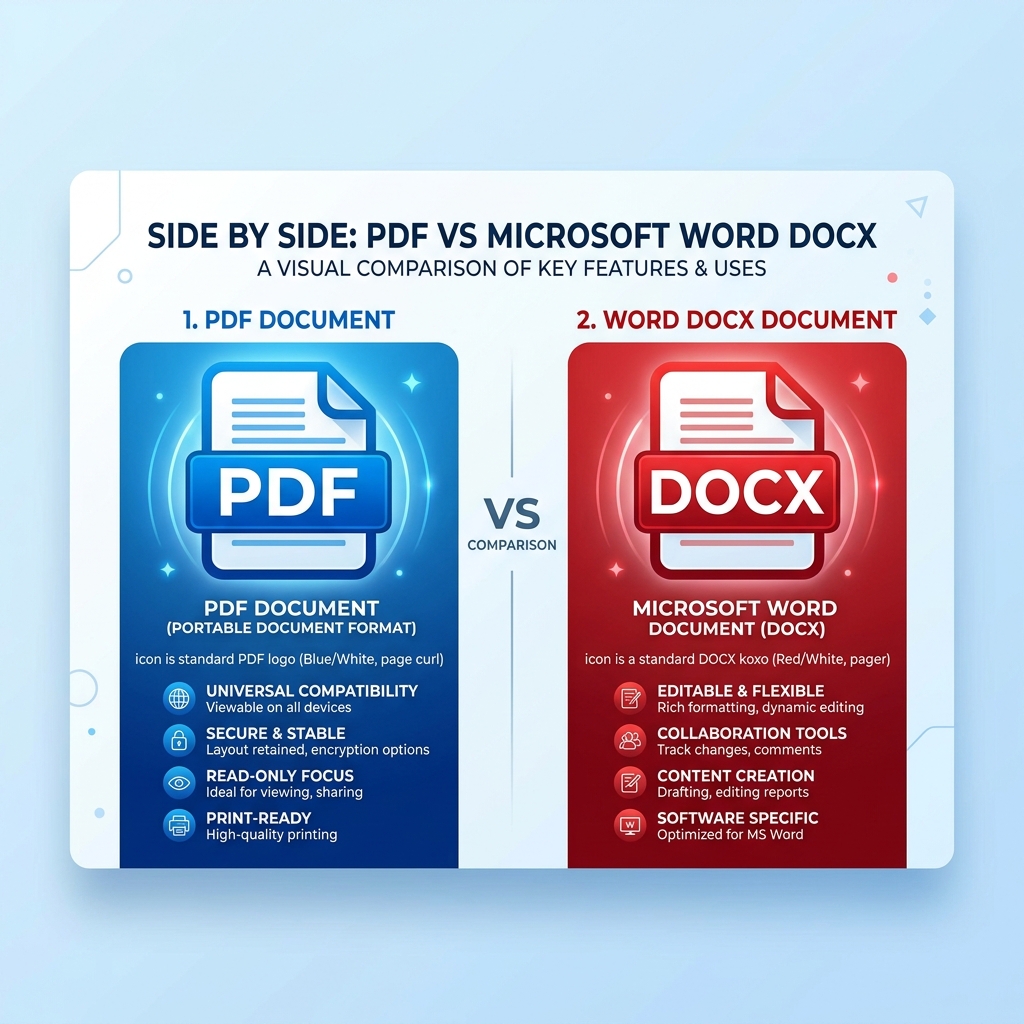
Choosing between Portable Document Format (PDF) and Microsoft Word (.docx) can determine whether your business document looks polished, stays secure, or opens correctly on a client's device.
While Word documents are built for dynamic editing and collaboration, PDF files act as digital paper — preserving precise fonts, layouts, images, and formatting across every operating system.
PDF vs Word Comparison Matrix
| Criteria | PDF Format (.pdf) | Microsoft Word (.docx) |
|---|---|---|
| Layout Consistency | 100% fixed cross-device layout | Varies depending on Word version & fonts installed |
| Editability | Read-only by default (requires editor) | Fully editable and collaborative |
| Security & Encryption | Supports password lock & digital signatures | Basic protection, easily editable |
| Best Use Cases | Final Invoices, Contracts, Signed NDAs | Drafting, Internal Notes, Collaborative Writing |
When to Use PDF
- Sending final client invoices, payment receipts, and billing estimates.
- Distributing legal contracts, executed NDAs, and signed agreements.
- Exporting final resumes to ensure fonts and layout do not shift during recruiter review.
When to Use Word (.docx)
- Co-authoring document drafts with colleagues or clients.
- Creating reusable master templates for internal team distribution.
- Submitting job applications when an employer explicitly requests an editable DOCX file for ATS parsing.
Frequently Asked Questions
Can I convert Word files to PDF for free?
Yes. Templix AI allows instant one-click conversion and export of any document blueprint to PDF or Word formats for free.
Which file format is better for ATS resume screeners?
Both standard PDF and DOCX formats are supported by modern ATS screeners (Workday, Taleo, Greenhouse). However, single-column PDF files preserve visual typography best.
For more ready-to-use layouts, check out our collection of free document templates to speed up your paperwork.
2026 Privacy-First AI Document Checklist
Protect confidential information while utilizing modern AI drafting speed:
Client-Side Processing
Verify sensitive financial and career data is processed in local browser memory.
Zero-Data Retention
Ensure models do not retain confidential drafts for training or public completion.
Clean Export Capabilities
Support instant watermark-free exports to standard PDF and editable DOCX formats.
GDPR & Privacy Compliance
Ensure explicit consent governance and transparent cookie policies.


Reviewed by Finance & Document Structuring Specialists
Ready to put this into practice?
Browse Templix AI's free professional templates. Customize online, edit with AI, and download as PDF or Word — in minutes.


